Color charts are an essential tool for designers, helping to ensure consistency and accuracy in their work. A well-crafted color chart can make all the difference in creating a cohesive visual identity. With the power of Adobe Illustrator, you can create a printable color chart that meets your specific needs. Whether you’re working on a branding project or designing a website, a color chart is a valuable resource to have at your disposal.
When it comes to making a printable color chart in Illustrator, there are a few things to consider. First, you’ll want to think about the size and layout of your chart. Will it be a standard letter size or something larger? How many colors will you be including, and how will they be organized? Taking the time to plan out your chart will save you time and hassle in the long run. Additionally, you’ll want to consider the color mode and profile you’ll be using, as this will impact the accuracy of your colors.
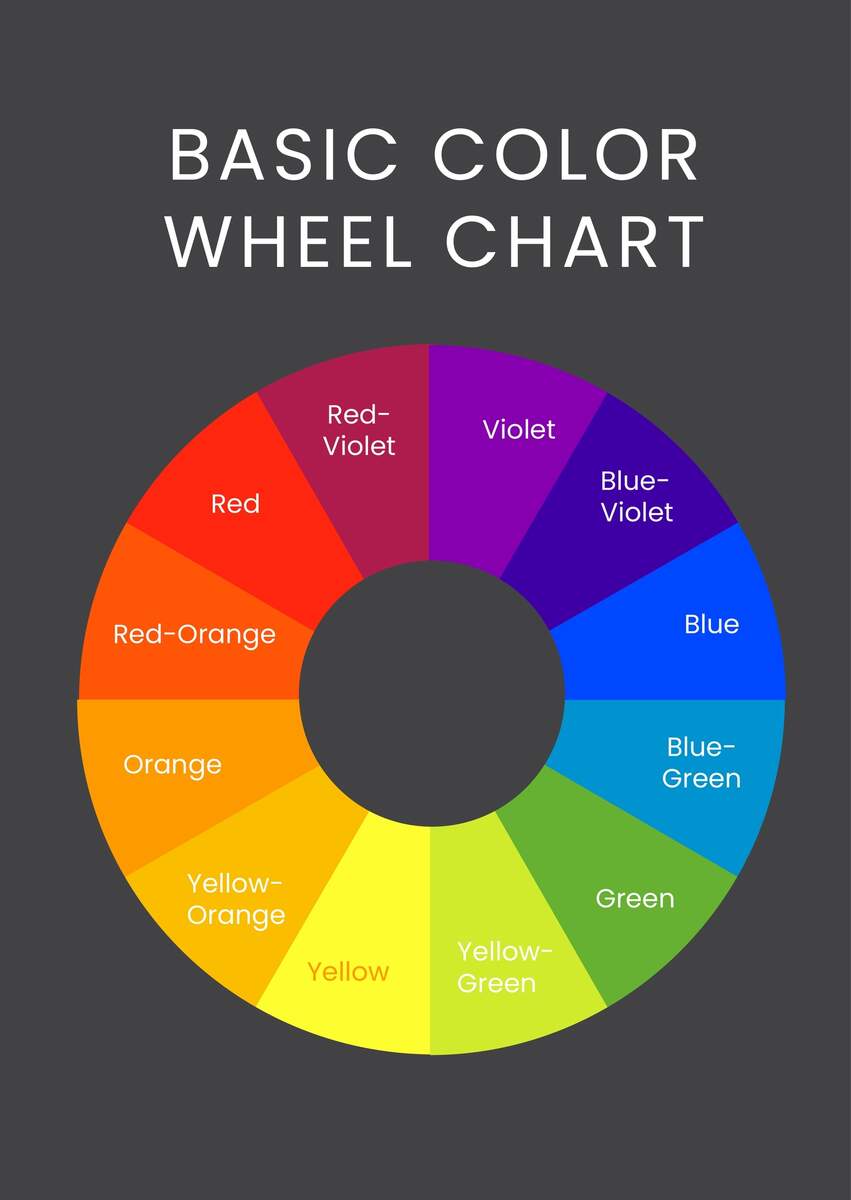
Basic Color Wheel Chart In Illustrator PDF Download Template
Understanding Color Charts
To start creating your color chart, you’ll need to understand the basics of color theory and how it applies to your design. This includes understanding the different color modes, such as CMYK and RGB, and how they interact with each other. You’ll also want to consider the 60-30-10 rule, which suggests that 60% of your design should be a dominant color, 30% a secondary color, and 10% an accent color. By understanding these principles, you can create a color chart that is both visually appealing and effective.
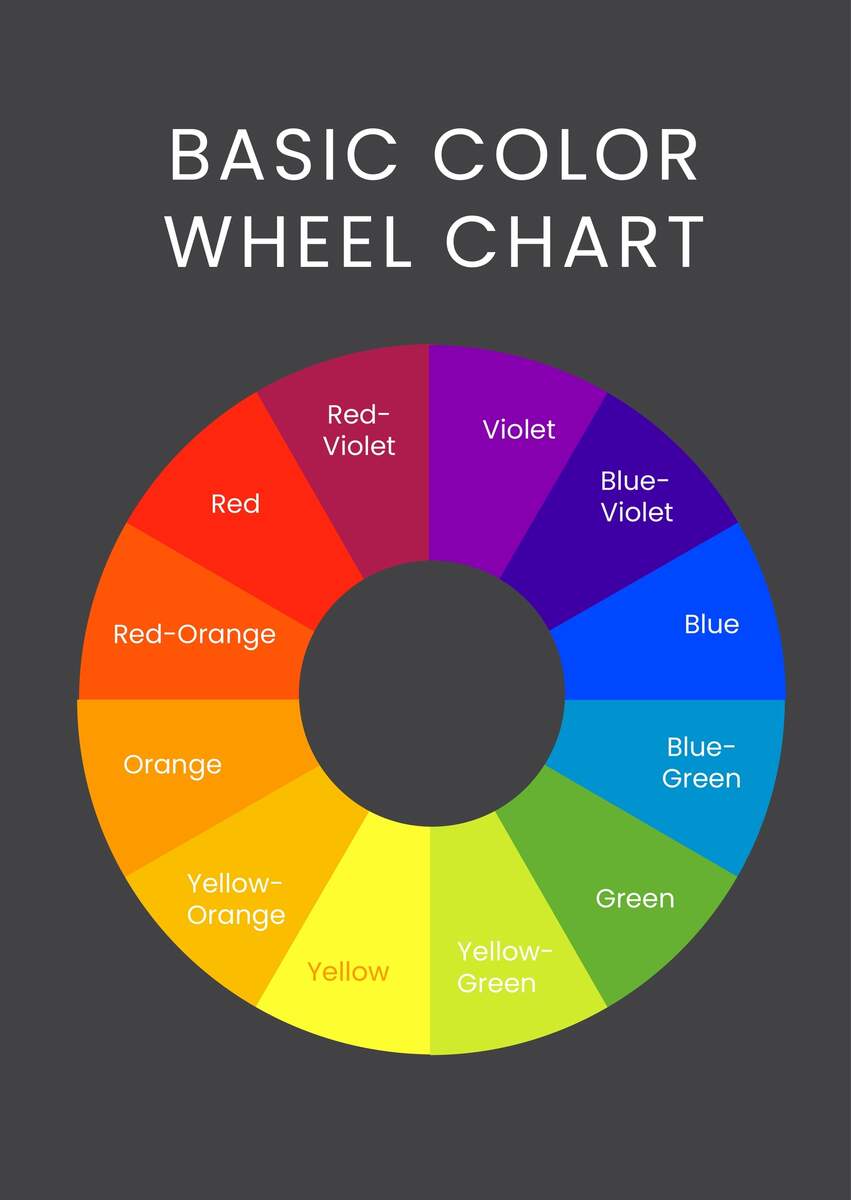
Basic Color Wheel Chart In Illustrator PDF Download Template
Setting Up Your Document
Once you have a solid understanding of color theory, it’s time to set up your document in Illustrator. This involves creating a new file and setting the dimensions, resolution, and color mode. You’ll also want to create a grid system to help you organize your colors and ensure they are evenly spaced. Additionally, you can use Illustrator’s built-in tools, such as the color picker and swatches panel, to help you select and manage your colors.
Designing Your Color Chart
With your document set up, it’s time to start designing your color chart. This involves creating rectangles or swatches for each color and arranging them in a logical and visually appealing way. You can use Illustrator’s shape and path tools to create custom shapes and patterns, and the align and distribute tools to ensure everything is properly aligned. You can also add text and other elements, such as color names and hex codes, to make your chart more informative and useful.
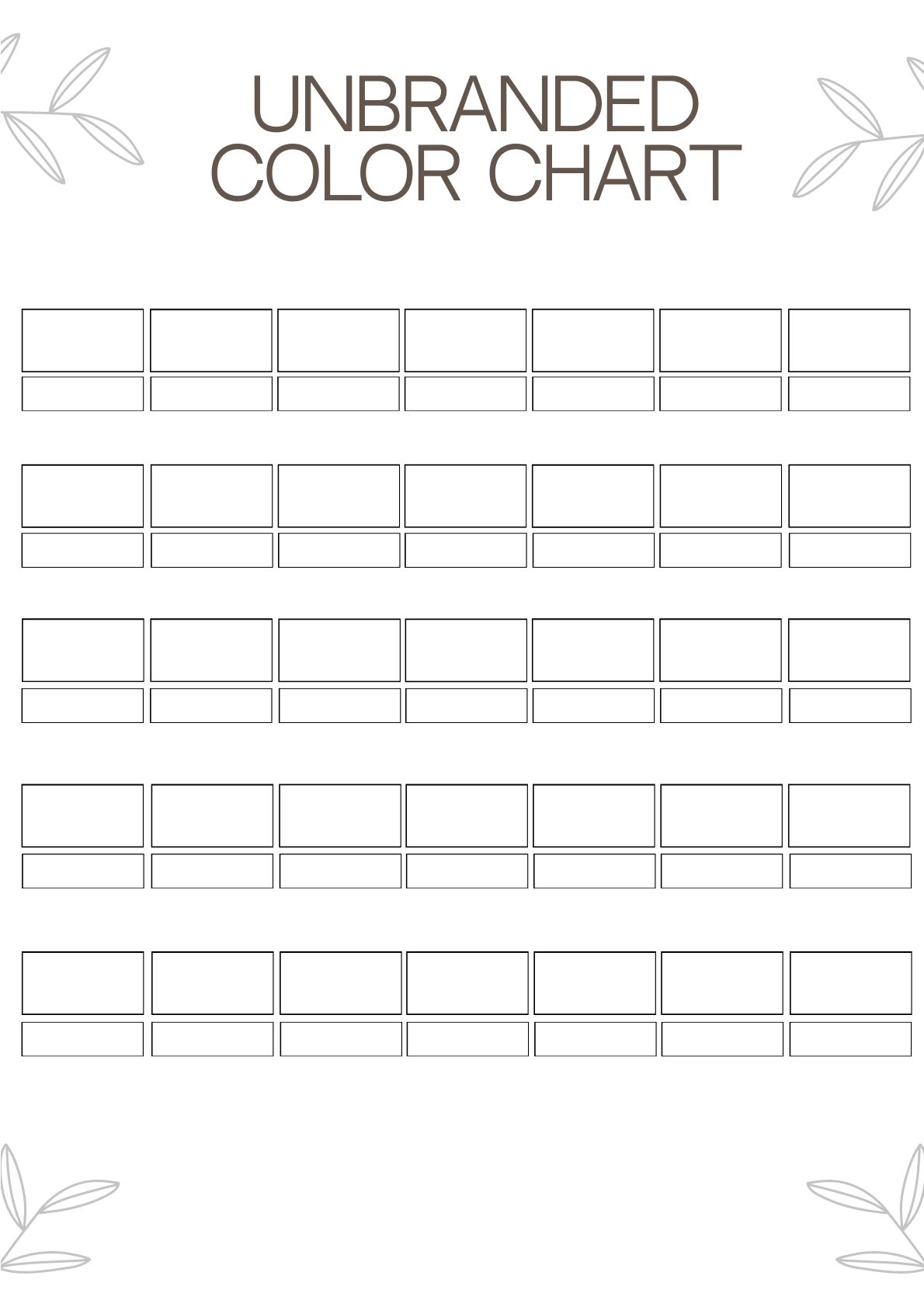
Unbranded Color Chart In Illustrator PDF Download Template
Finally, once you’ve completed your color chart, you can print it out and use it as a reference for your design work. You can also save it as a digital file and share it with colleagues or clients. By following these steps and tips, you can create a printable color chart in Illustrator that helps you achieve your design goals and ensures consistency and accuracy in your work.
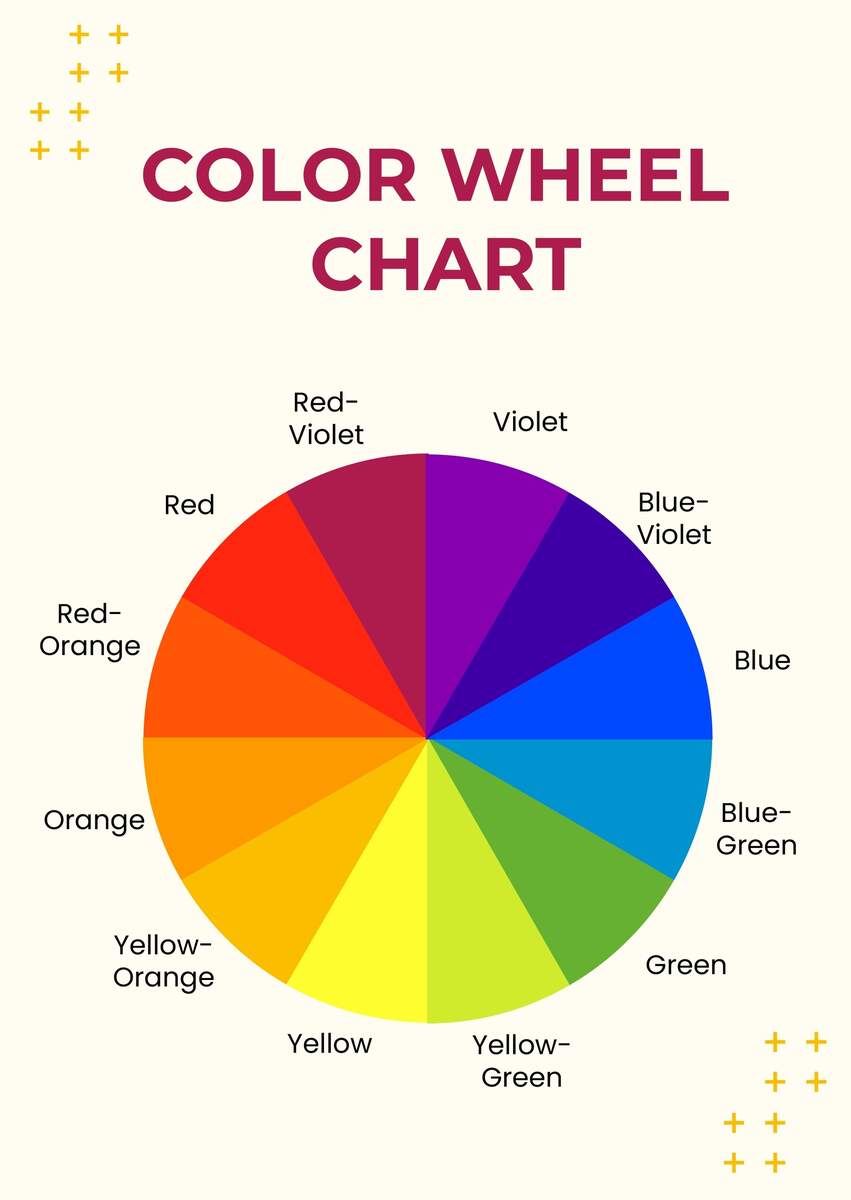
Color Wheel Chart In Illustrator PDF Download Template
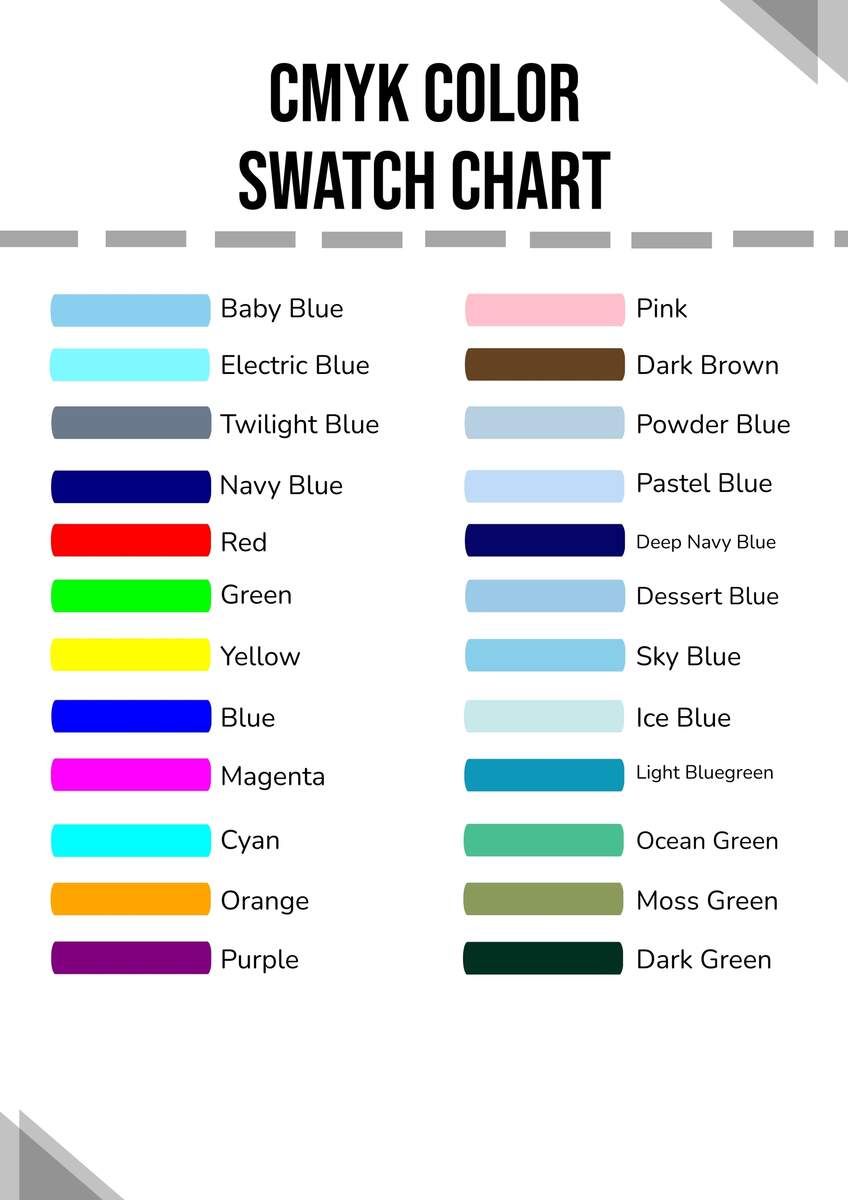
CMYK Color Swatch Chart In Illustrator PDF Download Template